How do I set up the device?Updated 12 days ago
Step 1: Download the Neutrack C App and create an account
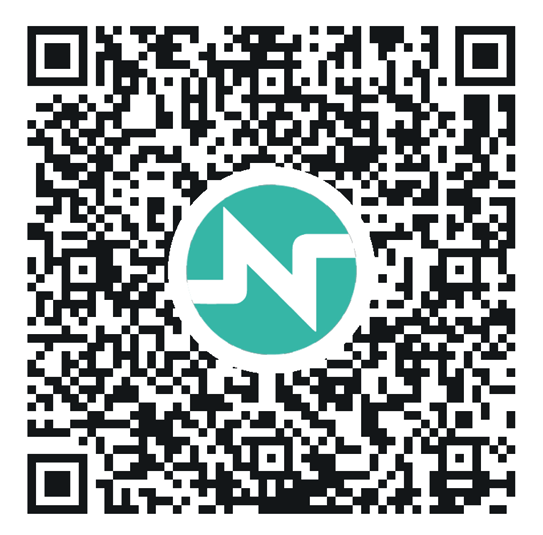
- Scan the QR code to download the Neutrack C App.
- Open the app and create your account.
- Complete your user profile before connecting your Neupulse C device for the first time.
Step 2: Prepare your device
Before connecting your device, make sure that:
- Your Neupulse C device is nearby.
- The battery is sufficiently charged.
- The device is in Ready Mode.
- The device is not currently connected to another phone.
If the device is asleep, press and hold the device button for 3 seconds to wake it up.
For full instruction on how to set up your device, please refer to page 13 of the User Manual: 2 | Device Setup
Alternatively, to view our official videos showing how to set the device up, please scan the below QR code: